
Track 02 · UI/UX Design
UI/UX Design
Interfaces that feel obvious and convert. Research, design, and iterate — until the user doesn't have to think twice.
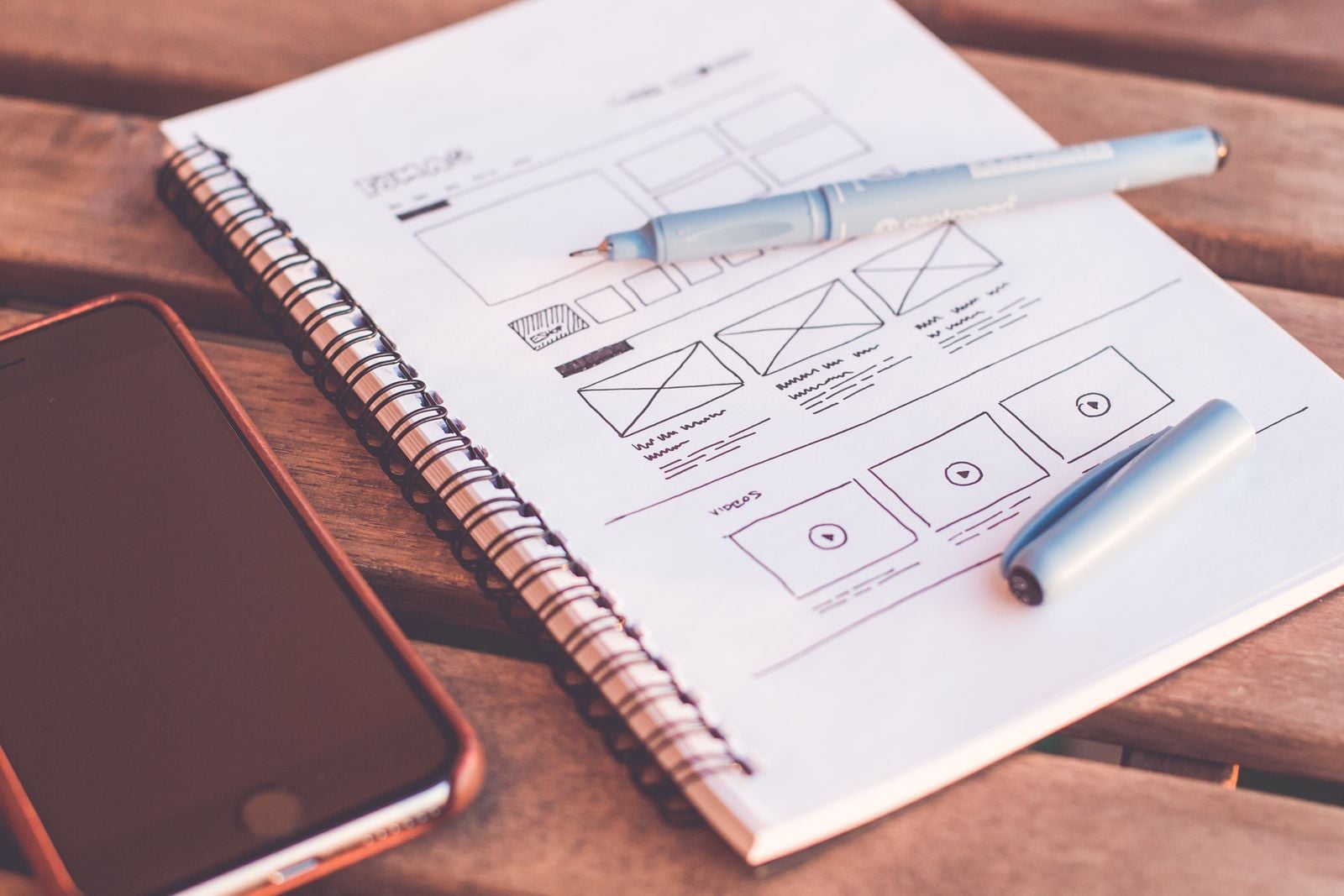
screens redesigned across e-commerce and SaaS projects
average conversion lift on redesigned landing pages
design systems shipped with documented tokens & components
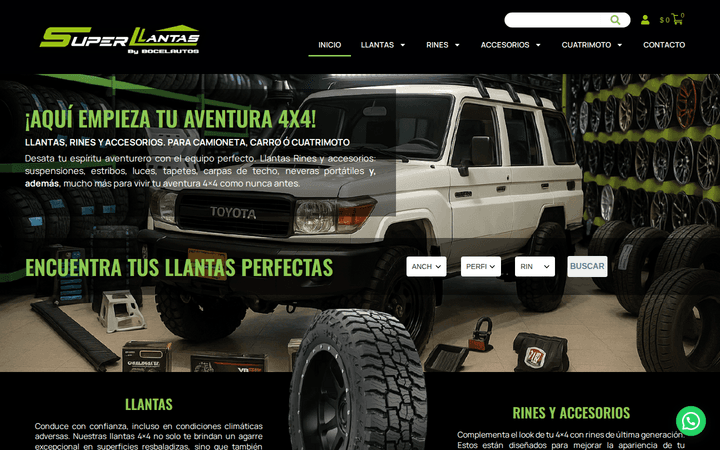
Featured case
Superllantas by Socelautos
Storefront + product system for an off-road tire retailer, with synced inventory and visual filters by width, profile, and rim.
See the full case study →What I bring to the table
UX Research
User interviews, surveys, usability testing, and competitive analysis. I dig into real behavior so the design follows from evidence, not assumptions.
User Flows & Wireframes
End-to-end flows that make the next step obvious. Wireframes that lock down structure before pixels take over.
Interface Design
Production-ready UI in Figma with type, color, and spacing systems. Components that hold up at any screen size.
Conversion Optimization
Every screen has a job. I iterate on copy, layout, and CTA hierarchy so the path to conversion is short and obvious.
Design Systems
Tokens, components, and documentation so design and engineering speak the same language. Less drift, faster shipping.
Usability Testing
Moderated and unmoderated sessions. Real users, real tasks, real metrics. I turn findings into a backlog your dev team can actually act on.
How I work
Five steps, every project. The same rhythm whether the deliverable is a one-screen fix or a full product redesign.
User + business
I start by understanding the user and the business at the same time — neither one matters without the other. Empathy for the customer, sharp eye for the numbers.
Map the flow
Once I've mapped the journey and locked the flow, I move fast on wireframes. Cheap to change, expensive to skip.
System first
Visual design comes after the structure is solid. I build a clear type and spacing system so screens feel consistent without being repetitive.
Test with five
Every interface gets tested. Five users catch 85% of usability problems, and the rest gets folded into the next sprint.
Past handoff
Design doesn't stop at handoff. I sit with engineering, review every PR, and tune the live product when real-world data comes in.
Tools I work with
- Figma
- Maze
- Hotjar / Microsoft Clarity
- Notion / Confluence
- Google Analytics 4
- TypeScript & Tailwind (for design handoff and prototypes)

Ready to scale without the chaos?
Stop doing by hand what AI can do in seconds. Let's map your first workflow on a 30-min call.
Book a free strategy call